

Troubleshooting Radius – IP Changes
Reading Time: 3 minutes Last October, I ran across a client with a broken radius. I want to go through the process I used to troubleshoot the issue. The goal of this to bring you a level of understanding of the troubleshooting processes. Not every process is the same…

Get Client Information From your Unifi Controller
Reading Time: 4 minutes Today I would like to go over how to get client information from your Unifi Controller. We will first connect to our Unifi Controller with Powershell using the Unifi API. Then from there we will pull each site and create a list of different…

Time For a Break
Reading Time: < 1 minute Welp is the end of the year. I have things in the works, however, I just started a new job. It requires me to learn many new and exciting things. While I learn these new things, I will be working on new blog posts for the upcoming year….

Azure AD Connect Unauthorized Error
Reading Time: < 1 minute Today I was trying to sync a user’s account to the cloud and I received an error code that was new to me. Access denied, Unauthorized! I was using a domain admin account. I should have full access and rights. It threw me off as I have never…

URLs With PowerShell
Reading Time: 3 minutes Regex… Even the PowerShell Masters struggle with it from time to time. I helped a friend of mine with some URL chaos. The URL he had was a software download and the token was inside the URL. Yeah, it was weird but totally worth it. There were…

Comments in Group Policy
Reading Time: 2 minutes Documentation is a big deal in the world of IT. There are different levels of documentation. I want to go over in-place documentation for group policy. Comments in Group Policy are in-place documentation. How to comment on a Group Policy This…

Enable RDP on a Remote Computer
Reading Time: 3 minutes There has been a few times where I have needed to enable Remote Desktop Protocal on Remote computers. So, I built out a simple but powerful tool to help me with just this. It uses the Invoke-Command command to enable the RDP. So, lets dig in….
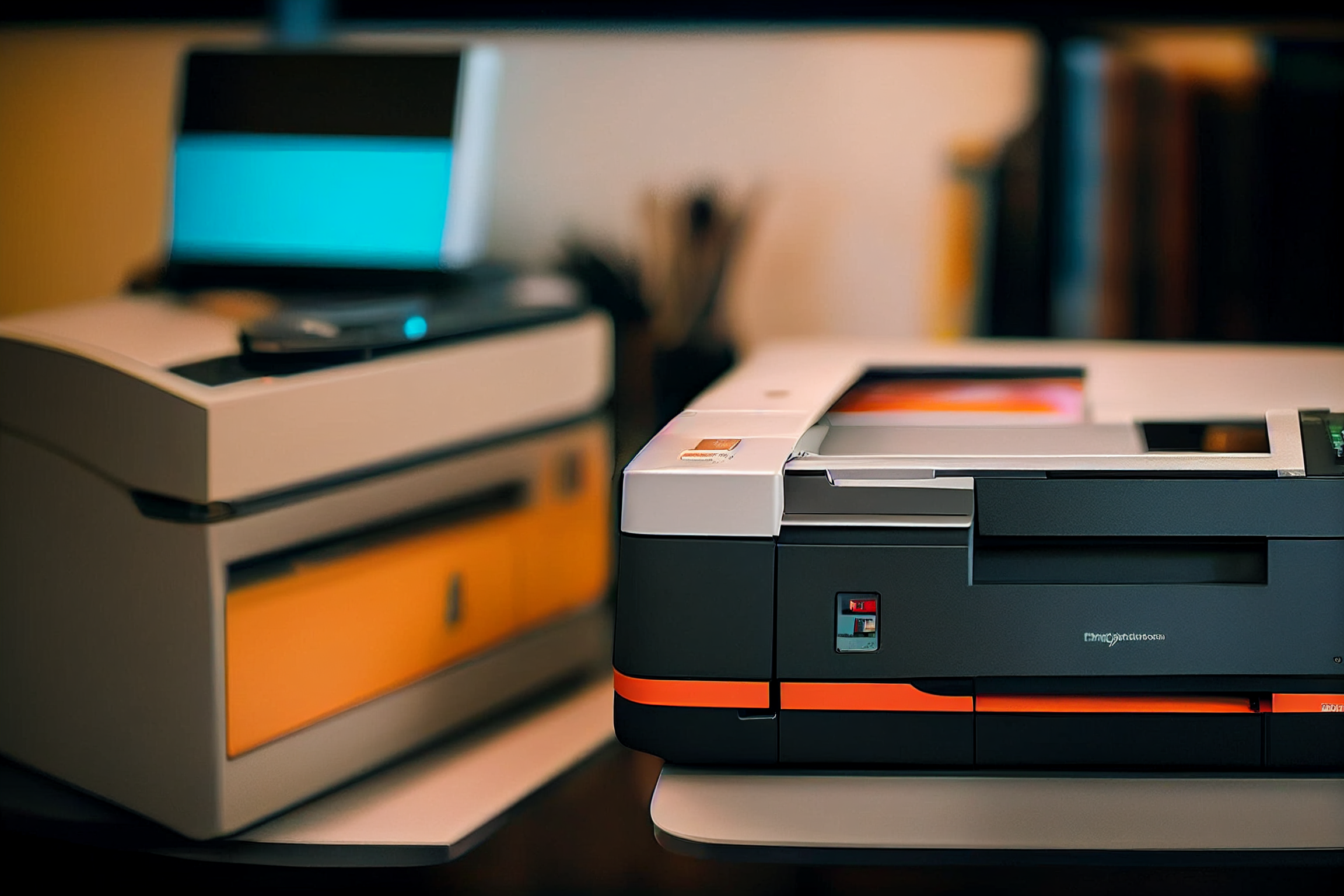
Clear Print Jobs with PowerShell
Reading Time: 2 minutes During my in-house days, one of the things I had to do constantly was clear people’s print jobs. So I learned to Clear Print Jobs with Powershell to make my life easier. It surely did. With PowerShell I could remotely clear the print jobs as…

Ping Test with PowerShell
Reading Time: 5 minutes Anyone who has been in IT long enough has performed a Ping Test. A simple ping and IP address. Most of us have used the “Ping 8.8.8.8 >> c:\pingtest.txt” to see how many times something failed. But did you know you can do the same thing with…