

Ping Test with PowerShell
Reading Time: 5 minutes Anyone who has been in IT long enough has performed a Ping Test. A simple ping and IP address. Most of us have used the “Ping 8.8.8.8 >> c:\pingtest.txt” to see how many times something failed. But did you know you can do the same thing with…

Run as an Administrator
Reading Time: 2 minutes When building out scripts, we must consider different ways they will fail. One of the ways I have seen them fail is through the UAC of a computer. The script needs to be run by an administrator. The question is, How do you check if you are…

Test a Registry Value with PowerShell
Reading Time: 2 minutes The other day I needed to test if a registry key was present on an end user’s computer and make it if it didn’t exist. I performed a registry key value test with PowerShell. Since I was doing more than one, I pulled an older tool from my tool…

Share Point File Audit
Reading Time: 8 minutes While reading on Reddit, I found a common thread. People need a quick way to do a Share Point File Audit. I have a PowerShell function for this in my toolbox. This tool heavily uses the Search-UnifiedAuditLog command let. The most common items…

Monitor Discovery Through PowerShell
Reading Time: 4 minutes Today, in the field, we will discover a user’s monitors through PowerShell. This is very useful for any kind of RMM tool. I used this script with PDQ and Continuum. You can also run this script with backstage. Let’s take a look at the script…

Windows Updates With Powershell
Reading Time: 3 minutes At a previous company, we had to maintain windows updates without WSUS. This caused some unique complexities. Back then, all machines in question were Microsoft Surface Tablets. This means that driver updates were important. Thus, I created a…

Custom Compliance Policy Scripts
Reading Time: 5 minutes Custom Compliance Policy Scripts will change how you build out compliance policies. In order to make a Custom Compliance Policy Script, you first must have Intune. You can review the licenses here. Once you have the proper licensing you should…

Set Users’ MFA
Reading Time: 8 minutes It’s time to Set Users’ MFA with a nice little function. This function is designed to gather information and set a user’s MFA with the method you want. It even allows you to reset and disable MFA. We are going to break this blog up a little…
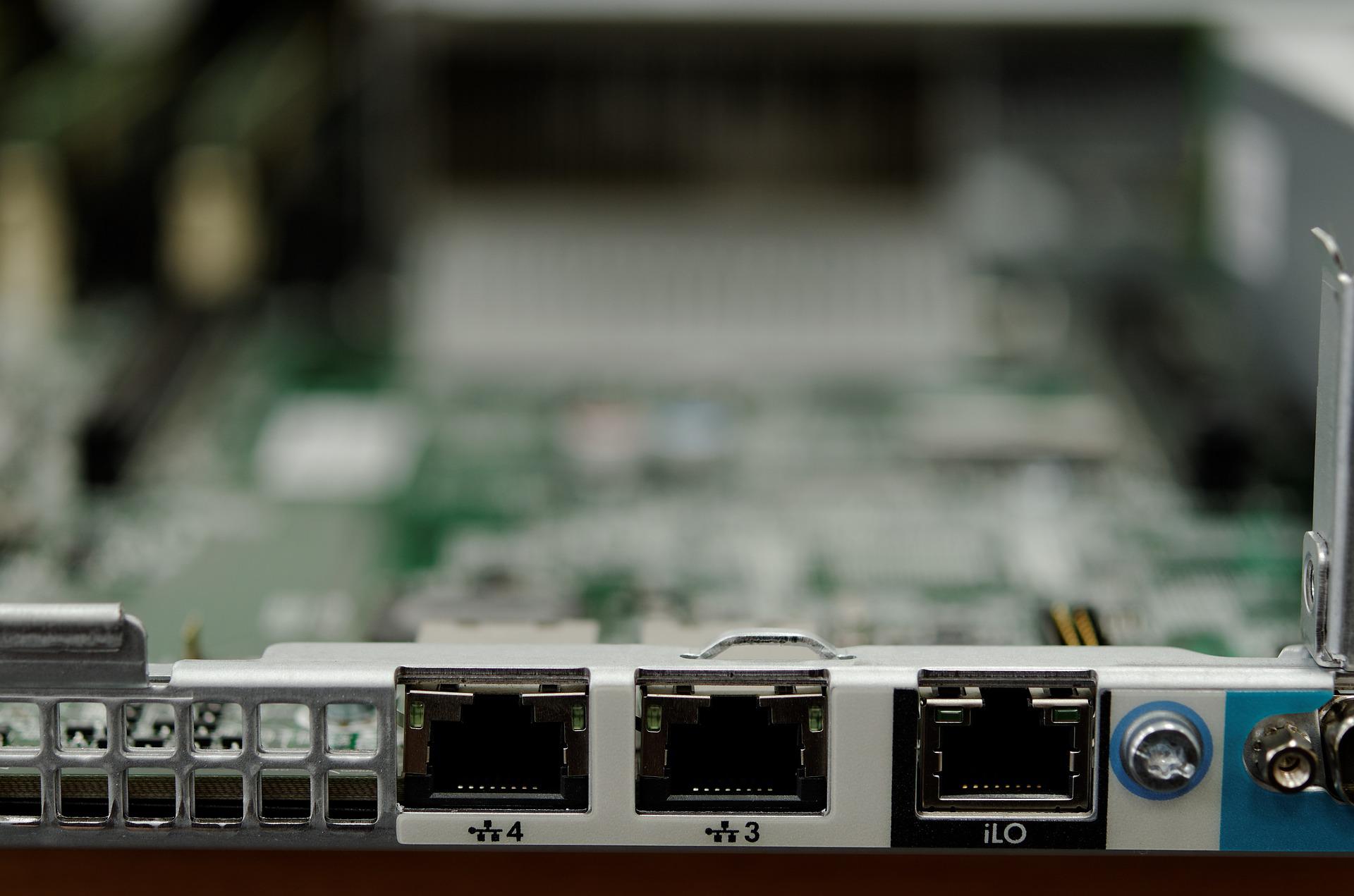
In the Field – IP and Mac Info
Reading Time: 3 minutes Today in the field, we needed to find all of the device’s IP and Mac Info for each network adapter. This was a large undertaking. We were looking for a special network adapter that didn’t show up in our normal reports from our RMM. However, our…